
Less time collecting. More control of your restaurant.
With Quenta, your guests view the bill, split it, add a tip and pay from their phone. Your team spends less time managing payments and more time looking after your guests.
Faster payment. Easier tipping. Keep every payment under control.
No app to download. No Quenta account to create.
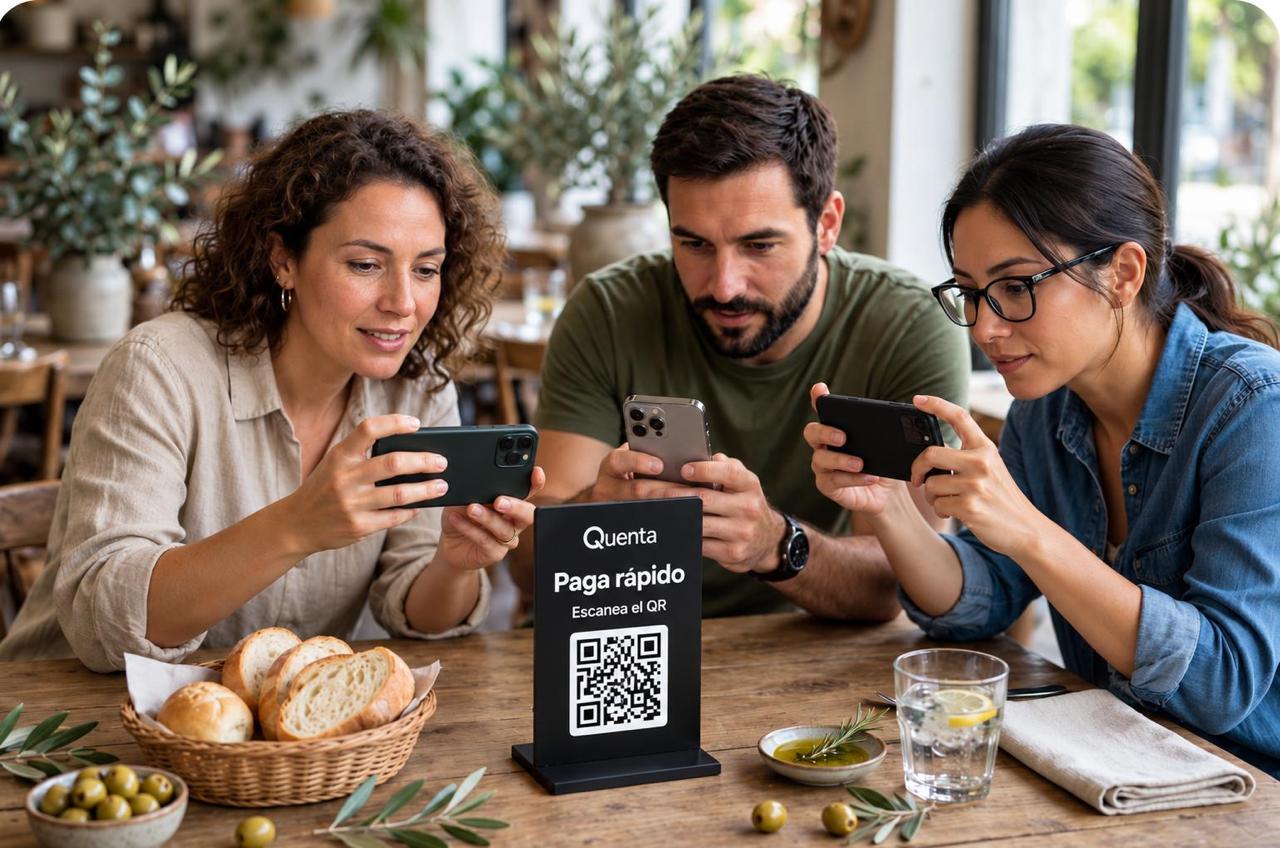
Table 12 · Paid
RD$ 1,890
Benefits
Shorter lines at the register. More attention in the room.
Your guests can pay from the table, reducing waits at the register and the collection tasks that fall on your team.
Split bills, with fewer complications
Each guest pays their share from their phone and the restaurant keeps the outstanding amount visible. Full bill, equal parts, custom amount or individual dishes.
Less waiting at the end
The guest pays when ready, without waiting for the terminal. At peak hours, faster payment helps set up the next service sooner.
Easier tipping
Distributed directly among all staff at the end of the shift. The option to add a tip is built into payment — clear and voluntary.
The bill in plain view, before paying
Dishes, quantities and amounts visible on the phone to review the detail at ease.
Receipt and traceability
The guest receives the receipt or invoice directly, for example for a working lunch, a tax deduction or a company refund.
How it works
From the table to payment in three steps
A simple experience to end the visit with the same ease it began.
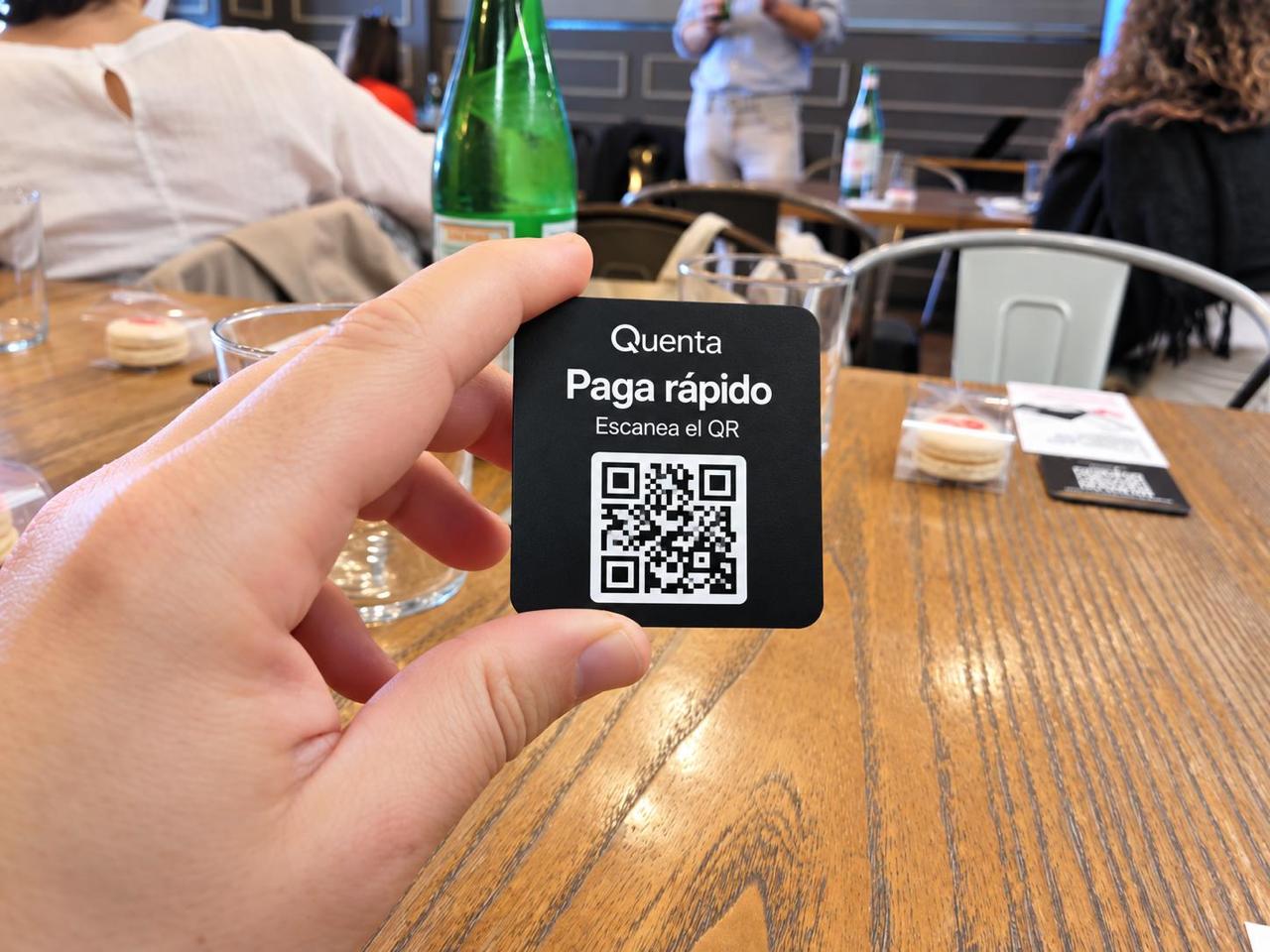
The guest scans
They open their table's real bill directly in the phone browser.
The guest chooses
Pay all, split the bill, pay their share and add a tip.
The guest pays
The restaurant sees the payment immediately.
Bill control
See which tables have paid at a glance.
The status shows on the table's light device, in the restaurant panel or on the guest's screen — it doesn't rely on a printed QR.
Pending
An amount is still owed.
In progress / Partial
Payment in progress or parts outstanding. The remaining balance is shown; it isn't marked as paid until complete.
Paid
The full amount owed is entirely paid and verified by the system.
To verify
Uncertain result or interrupted connection. A check is requested, with no false confirmation shown.
Guests & loyalty
Let the relationship continue after payment.
With your guests' consent, gather their contact details to share news, promotions and invitations that give them a reason to return.
Illustrative examples
- Invitation to an evening or restaurant event
- Launch of a new menu or seasonal offer
- A perk for the next visit, per the restaurant's conditions
- Message to guests who haven't returned in a while (if there's history and segmentation)
Contact collection
The guest can leave their details and choose whether to receive communications.
Campaigns
The restaurateur can send communications through Quenta or their own newsletter.
Automations
Messages triggered by rules based on visits or purchases.
Management panel
Control every payment. In real time.
One dashboard. All tables. All payments. All tips. Check revenue, payments, tips, history and statistics by period.
- Table status
- Payment history
- Recorded tips
- Statistics by period
Integration with your register system
Fits your current system
Tell us how your restaurant works. We'll show you how Quenta can integrate with your register system and your current payment flow, without changing systems.
Connection to your register system
We review your management system and the technical options available to define the scope.
No replacing what works
You don't have to replace your system to start using Quenta.
Configured to your operation
We agree on the available features and connections for your operation.
Security & payments
Clear, secure payments
Payments processed through AZUL, with confirmation of the result of each transaction. The system receives the outcome of the payment request; it doesn't freely query the bank balance.
Immediate confirmation
The payment shows in the panel as soon as it completes, not when someone logs it by hand.
Guaranteed collection
AZUL and Quenta have anti-fraud tools backed by general insurance covering payments, confirmation and bank settlement.
Pre-authorization
It's a separate function that AZUL performs for Quenta, adding security and reliability for the restaurant and its guests.
Enabled methods only
Only the payment methods active for your market and configuration are offered.
No sensitive data on the demo
The demo form doesn't ask for fiscal or card data.
Quenta
Quenta isn't simply a QR to pay.
It's the payment layer of your restaurant: it works on the table's real bill and lets the guest complete payment directly from their phone.
LESS WAITING FOR THEM. MORE TABLES FOR YOU.
Who we are
More than twenty years building software for hospitality
Quenta stems from more than twenty years of experience developing software for hospitality. Through our companies we create management solutions for restaurants, hotels and large events, so we know firsthand the needs of those who welcome guests, coordinate staff and manage the dining room, the register and billing.
From this track record comes a simple idea: to make the payment process as comfortable and pleasant as the rest of the experience at the table. With Quenta, the guest can view the bill, split it and pay directly from their smartphone with full autonomy, avoiding unnecessary waiting.
For the hospitality operator, this means simplifying front-of-house and register work, reducing the time spent on collections, making tipping easier, gaining greater control over revenue and even serving more guests. In short: having more time to devote to guests and achieving far more efficient management of the venue.
We also believe deeply in the value of sharing: that's why we dedicate a percentage of our revenue to supporting various charitable associations.
Who it's for
Quenta fits your type of establishment
Designed for the daily operation of hospitality. Restaurants, bars, lounges and beach clubs can offer table payment with the same ease.
Restaurants
A smoother service close and less waiting at the end of the meal.
Bars
Collecting without staff running around, even at peak hours.
Lounges
A cared-for experience from start to finish, with the bill in plain view.
Beach clubs
Pay from the table or lounger, without interrupting the outdoor experience.
Getting started
Ready to make payments work for your restaurant?
Tell us how your restaurant works. We'll show you how Quenta can integrate with your register system and your current payment flow.
We learn your operation
We review your venue type and register system.
We define the setup
We agree on the available features and connections.
We prepare the launch
We organize the QR setup, payment-flow testing, and initial training and support for your team.
Commercial proposal
A clear proposal for your establishment
Learn our conditions and compare the total cost with your current solution. We've chosen a percentage below the average of other payment systems, so Quenta offers great advantages to the restaurateur and the guest.
- Included features
- Setup
- Applicable costs
- Statistics on your operation: most-ordered dishes, which to keep or drop, and their variation by season, time and guest type.
Frequently asked questions
We answer your questions before the demo
Does the guest need to download an app?+
No. They access the bill from their phone browser by scanning the table's QR code.
Do they need to create an account to pay?+
Access to the guest flow requires no registration or login. The chosen payment method may request its own data or verification.
Does Quenta replace staff or the register?+
Quenta offers another way to view and pay the bill. The restaurant keeps staff attention and its usual payment methods.
Can it connect to my current system?+
Connection depends on the management system and the technical options available. During the demo we review your setup to define the scope.
What payment methods can my guests use?+
Available methods depend on the restaurant's configuration and the enabled payment provider. We show you the specific options during the demo. You can keep using cash and the traditional terminal — Quenta adds to your current methods, it doesn't replace them.
How much does Quenta cost?+
We provide a proposal with the included features and the service, setup and processing costs that apply.
How do I check the whole bill has been paid?+
The panel shows the outstanding balance in real time. If a part is missing, the table stays “in progress” until the total is covered.
What happens if a payment is declined or the connection drops?+
The system marks the result as “to verify” and requests a check — a false confirmation is never shown.
When do I receive the bank settlement and how do I handle a refund?+
We explain settlement times and the refund process during the demo, based on your configuration with AZUL.
Contact
Discover Quenta at your restaurant
Leave these details and we'll reach out on WhatsApp to show you how it works and review your venue's needs.
Message us on WhatsApp